
Linkind Matter Smart Plug, Work with Apple Home, Siri, Alexa, Google Home, SmartThings, Smart Ou
$10.99
View on Amazon →

Published 17 September 2026 · updated 2026-09-17 · by GimmickHub
Most people who regret their smart home start bought the wrong device first — a £200 smart display used as a clock, or a subscription-locked gadget that stopped working after eighteen months. The first five smart home things worth buying are Matter-compatible smart plugs, an energy-monitoring outlet, a motion sensor, smart bulbs, and a voice assistant. Every one is available for under £30.
Smart plugs are the lowest-risk, highest-return entry point into a connected home. You don't need to replace any appliance, run a single cable, or call an electrician. Push the plug into a standard 13A UK wall socket, connect the appliance you already own, and you have remote on/off control, scheduling, and — with the right model — real-time energy monitoring.
The technology gap between a £10 smart plug and a £25 smart plug has narrowed considerably. The key differentiator now is ecosystem compatibility, not basic function.
Matter is a universal smart home standard developed jointly by Apple, Google, Amazon, and Samsung. A plug certified for Matter works simultaneously with Apple Home, Siri, Alexa, Google Home, and SmartThings — meaning you are not locked into any single ecosystem if you later switch phones or voice assistants.
The Linkind Matter Smart Plug (from £10.99, 4.6 stars) is a 15A/1800W-rated outlet that supports Apple Home, Siri, Alexa, Google Home, and SmartThings out of the box. At under £11, it is one of the cheapest routes into a fully cross-compatible smart home setup. A second Linkind variant (£15.99, 4.4 stars) adds built-in timer and schedule functions if you prefer that configuration.
For four plugs in a single purchase, the SONOFF Matter Smart Plug S41s 4-Pack (£29.99, 4.5 stars) brings the per-unit cost to roughly £7.50. All four are ETL certified, support remote and voice control, and include timer scheduling. If you are equipping a living room — TV, floor lamp, speaker, fan — this is an efficient single-box start.
Not all smart plugs track power draw. The ones that do show you exactly how many watts an appliance is consuming in real time and log cumulative usage over days and weeks.
The Kasa Smart Plug Mini KP115 (£12.99, 4.5 stars) adds energy monitoring while staying compact enough not to block the second socket on a double outlet. It works with Alexa and Google Home and requires no separate hub — just your existing 2.4GHz Wi-Fi network.
Plug a games console, a TV, or an older router into an energy-monitoring smart plug and check its standby draw. Many devices pull between 5W and 15W continuously when nominally "off". A schedule that cuts power during overnight hours typically recovers the plug's purchase cost within a few months on a standard UK tariff.
The WiZ Smart Plug (£14.19, 4.5 stars) goes further by adding sunset-to-sunrise automation and motion detection integration. If you want a single plug that reacts to ambient light levels — cutting the hall lamp at dawn without a schedule — WiZ handles that without a separate hub or additional sensor.
A timer-based smart plug is convenient. A motion-triggered one is genuinely intelligent. Motion sensors detect movement and fire automations — lights come on as you enter a room, a plug cuts power after an hour of inactivity, or a notification pings your phone if movement is detected while the house is empty.
The TP-Link Tapo Motion Sensor (£13.99, 4.5 stars) uses a Sub-1G low-power wireless protocol rather than standard 2.4GHz Wi-Fi. This matters in UK homes built before 1980, where thick solid brick or stone walls absorb standard Wi-Fi signals aggressively. Sub-1G's lower frequency penetrates wall materials more effectively and extends battery life considerably compared with Wi-Fi-only sensors.
The TP-Link Tapo Motion Sensor requires a Tapo Hub to function — it does not pair directly over Wi-Fi. The hub is a separate purchase and can cost as much as the sensor itself. A product listing may not make this dependency obvious until you reach the setup page. Always check for "requires hub" or "requires gateway" in the compatibility section before adding a sensor to your basket.
What to check when comparing motion sensors:
Smart bulbs give you the most immediate, visible change to how your home looks and feels. You swap one in exactly as you would replace a failed bulb, and within minutes you have colour temperature control, dimming from an app, and schedule-based automation.
Key specs to confirm before buying:
Smart bulbs from established brands typically carry a two-year warranty. Cheaper unbranded options often do not — worth checking if bulbs are going into ceiling fittings where replacement requires a step ladder.
Every smart plug, bulb, and sensor benefits from a central voice interface. An Amazon Echo, Google Nest, or Apple HomePod acts as the hub you speak to — and in many setups handles local processing for automations so they fire even if your broadband drops briefly.
Matter-certified devices, including the Linkind and SONOFF plugs above, work across all three ecosystems simultaneously. If you are undecided between platforms, start with Matter devices — you will not be locked in.
| Product | Price | Rating | Key Feature | Hub Required? |
|---|---|---|---|---|
| Linkind Matter Smart Plug | £10.99 | 4.6★ | Matter cross-ecosystem, 15A | No |
| Kasa Smart Plug Mini KP115 | £12.99 | 4.5★ | Real-time energy monitoring | No |
| TP-Link Tapo Motion Sensor | £13.99 | 4.5★ | Sub-1G wireless, long battery | Yes (Tapo Hub) |
| WiZ Smart Plug | £14.19 | 4.5★ | Sunset/sunrise + motion react | No |
| Govee Smart Plug 2-Pack | £19.99 | 4.5★ | Timer + scheduling, 2 units | No |
| SONOFF Matter Smart Plug 4-Pack | £29.99 | 4.5★ | ETL certified, 4 units, 15A | No |
We shortlisted products against four fixed criteria:
We excluded devices that required a monthly cloud subscription to deliver features that are standard on competing products at the same price. We also flagged hub dependencies prominently where listings tend to bury them.
A good fit if you:
Skip plug-in smart home devices if:
If you are equipping a home from nothing, this sequence keeps costs manageable and ensures you are actually using each device before adding the next:
Buy in this sequence, use each purchase for a fortnight before buying the next, and you will build a setup you actually use — rather than a drawer full of gadgets still in their boxes.


Matter-certified smart plugs — such as the Linkind Matter Smart Plug and the SONOFF Matter Smart Plug S41s — are designed to work simultaneously with Apple Home, Alexa, Google Home, and SmartThings. You add the device once and it appears across all the apps you use. Non-Matter plugs typically lock you to a single ecosystem, so check the listing carefully before buying.
A smart plug itself draws very little power — typically under 1W in standby. At UK electricity rates, a single plug costs only pence per year to keep online. The real value is the opposite: a plug with energy monitoring like the Kasa KP115 lets you see how much power the appliance connected to it is drawing, so you can cut standby consumption from devices that waste electricity around the clock.
Most smart plugs connect directly over your home's 2.4GHz Wi-Fi network and require no hub. Motion sensors are different — the TP-Link Tapo Motion Sensor, for example, requires a Tapo Hub. Always check the compatibility notes in the product listing before buying a sensor, as hub requirements are not always prominently displayed and the hub is typically a separate cost.
The 15A rating describes the maximum current the plug can safely handle, which corresponds to roughly 1800W at UK mains voltage. This covers the vast majority of household appliances — lamps, TVs, fans, small heaters, and kitchen gadgets. Anything above 2000W, such as a kettle or a tumble dryer, should not be connected to a standard smart plug. Check the wattage of your appliance before plugging it in.
As an Amazon Associate we earn from qualifying purchases. Prices and availability are accurate as of the date shown and are subject to change — the price on Amazon at checkout is the one that applies.
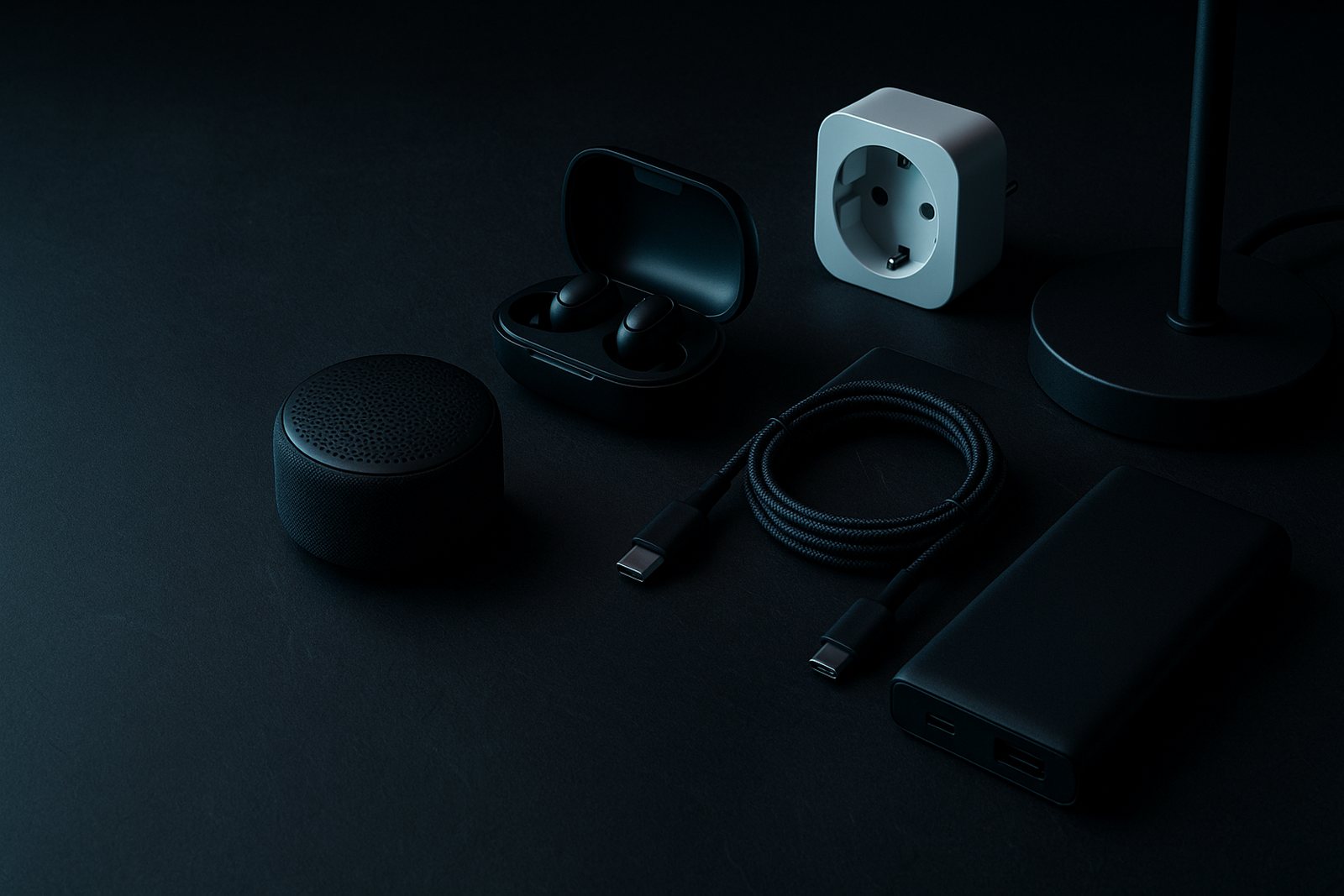
Buying tech gifts under $50? Here's how to choose gadgets that genuinely get used every day — from audio to charging to desk kit.
The best car tech for UK drivers doesn't need to be expensive. Find out what to look for in phone mounts, tyre inflators, and car
The best desk setup upgrades for your home office: clamp lamps, monitor light bars, key specs and buying traps explained. UK price